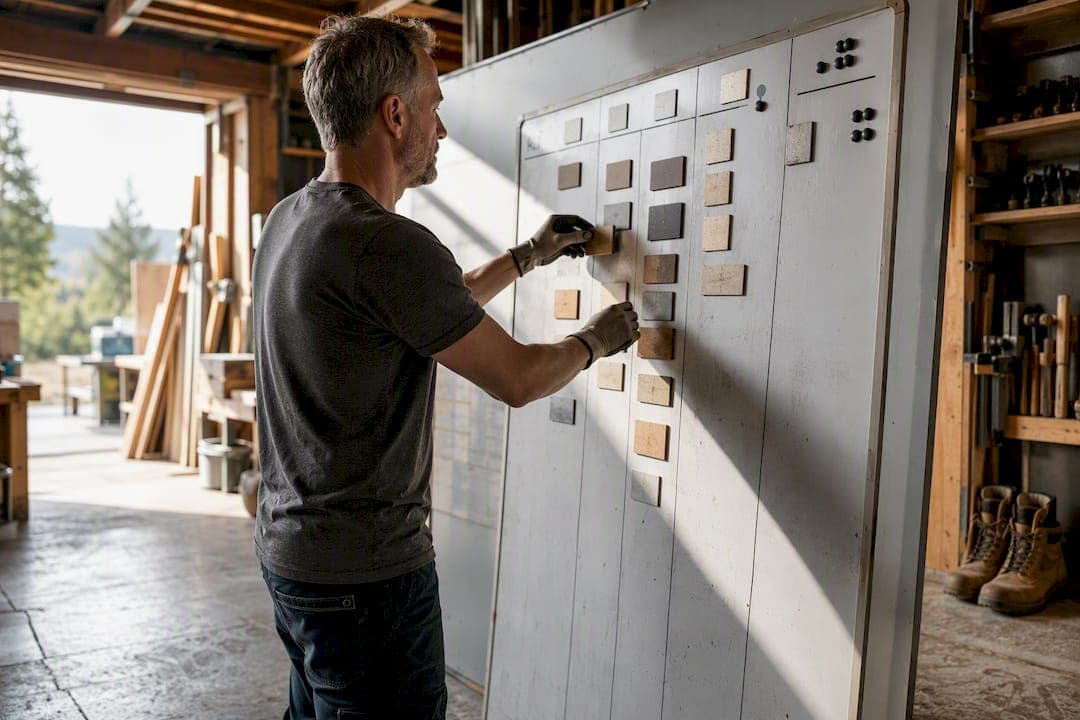
Yes, Kanban works for contractors. Start with a simple four to six column board, set work-in-progress (WIP) limits, and run a week-long trial before you commit to anything permanent. That's the whole verdict.
Do these three things today:
- Pick one scope. Choose either a single job or your full trade pipeline, not both.
- Set four to six columns and a WIP cap. More on exact names below, but resist the urge to build an overly complex board with many columns.
- Name one owner. Someone has to update the board daily, or it dies in a week.
Most contractors who try this see fewer dropped jobs and clearer handovers quickly after starting. A platform like QueryTrade already builds these pipeline stages in, so you don't have to design a board from scratch. If you'd rather draw it on a whiteboard first, that's fine too. Either way, the mechanics below apply.
Key Takeaways
A five to six column board with a firm WIP limit and one named owner outperforms a complex, unmanaged system for almost every small contractor operation.
| Point | Details |
|---|---|
| Start with scope | Pick either a single job or your full inquiry pipeline before building columns. |
| Keep columns lean | Five to six stages, not eleven, keeps the board usable on-site. |
| Enforce WIP limits | Cap "In Progress" at roughly one card per available crew, not per worker. |
| Track one metric first | Measure cycle time for a month before adding throughput or lead time. |
| Try a trades-built platform | Query Trade offers pipeline stages, photo uploads, and deposit collection ready to use without setup. |
Table of Contents
- Quick-Start Checklist: Gather, Decide, and Prepare
- How to Set Up a Kanban Board for Contractors (Step-by-Step)
- Construction-Specific Use Cases and Examples
- Digital vs. Physical Boards: Tradeoffs and When to Switch
- Practical Example: Mapping Kanban to QueryTrade
- How to Measure Success
- Common Pitfalls and Practical Fixes
- Team Roles and Responsibilities
- Integrating Kanban With CPM and Agile
- Training Crew Members On-Site
- Tools and Software for Construction Kanban
- Real-World Impact: What Changes When Contractors Adopt Kanban
- Author Perspective: Why Small Experiments Win in the Trades
- Query Trade Turns This Into a Five-Minute Setup
- Frequently Asked Questions
- Sources
Quick-Start Checklist: Gather, Decide, and Prepare
Before you tape a single sticky note to a wall, spend twenty minutes deciding on four things. Skipping this step is the number one reason contractor Kanban boards fail in month one.
- Decide your scope. Are you tracking one renovation job through its phases, or every incoming lead across your whole trade? A single job needs task-level columns (demo, framing, inspection). A pipeline needs client-facing stages (new inquiry, quoted, scheduled, done).
- Pick your card fields. At minimum, capture the site address, contact name and phone, a due date, priority level, and space for photos. Skip the fields you won't actually fill in. A card nobody updates is worse than no card.
- Choose where the board lives. A garage whiteboard works for a two-person crew. A shared digital board works when someone's offsite half the week.
- Set trial rules. Run it for about a week or so. Decide who updates cards, how often, and who has the authority to say "no, that column is full, finish something first."
Pro Tip: Write your WIP limit on the board itself, right in the column header, like "In Progress (Max 3)." A number staring back at the crew enforces itself better than any speech at Monday huddle.
Construction project management research backs this up: centralizing job information and using the latest data cuts down on rework and scheduling risk, and that's essentially what a well-run card system does for a two-truck operation.
How to Set Up a Kanban Board for Contractors (Step-by-Step)
Two templates cover most contractor use cases. The job lifecycle board tracks a single project through its phases: Backlog, Scheduled, In Progress, Inspection/Review, Complete. The site workflow board tracks parallel tasks across a crew: To Do, Materials Ordered, On-Site, Quality Check, Done.
Lean Construction Institute's Kanban framework rests on visualizing the work, limiting how much is in flight, and making the rules explicit rather than assumed. That third piece is where most contractor boards go sideways. Everyone needs to know the WIP limit before they start dragging cards around.
WIP limits depend on crew size:
- Solo foreman or two-person crew: Cap "In Progress" at a low number reflecting limited supervision capacity.
- Multi-crew operation: Cap each active column at about one card per crew to avoid overload.
Card template fields worth including every time: job address, client contact, priority flag, due date, before/after photos, and deposit status. That last one matters more than it sounds. A card marked "no deposit" sitting in the Scheduled column is a flag to chase payment before crews show up and find out the client never confirmed.
Run a five-minute stand-up each morning where whoever owns the board walks the crew past every card in "In Progress." According to Lean Construction Institute's flow guidance, managing flow explicitly, not just visualizing it, is what actually reduces bottlenecks. Skip the huddle and the board becomes decoration.
Construction-Specific Use Cases and Examples
A generic task board doesn't know what an RFI is. Your board should.
- RFIs and submittals: Give each request for information its own card with a submitted date and an expected response deadline, typically 5 to 7 business days depending on the contract. When a card sits past that window, it's visibly stuck, and you can chase the architect before it stalls the schedule.
- Procurement tracking: Add a "Materials Ordered" column separate from "On-Site." A card that's been sitting in "Ordered" for two weeks past its promised ship date is a warning sign you'd otherwise catch only when a crew shows up with nothing to install.
- Multiple small jobs on one board: Use swimlanes or color tags per job instead of building five separate boards. A painter running four house jobs at once can see all of them on one screen, sorted by tag.
- Handovers between trades: A card moving from "Rough-In Complete" to "Ready for Drywall" tells the next trade exactly when to show up, without a phone call.
A typical card lifecycle, say, from "Quoted" to "Scheduled," should take a predictable number of days once you've tracked it for a month. If it's drifting longer, that's your bottleneck, and it usually traces back to either slow client callbacks or a materials delay sitting one column over.
Digital vs. Physical Boards: Tradeoffs and When to Switch
A whiteboard in the site trailer is free, instantly visible, and nobody needs a login. The catch: no photos, no timestamps, and it's useless the second someone's working a different site.
Basic digital boards (a generic app, a spreadsheet with columns) add access from anywhere and a paper trail. The risk is feature bloat: importing every bell and whistle from a general project tool when you only needed five columns and a photo field.
Switch to a trades-focused platform when any of these show up:
- You're running more than one site and need visibility without driving between them.
- Clients or subcontractors need to see status without a phone call.
- You need to collect a deposit before scheduling, and chasing payment manually is eating your week.
Digital boards earn their keep mainly through photo evidence, timestamps, and remote access, the three things a whiteboard simply can't do.
Practical Example: Mapping Kanban to QueryTrade
QueryTrade already builds the Kanban logic into its job pipeline: New, Contacted, Quoted, Scheduled, Completed. Map your sample board directly onto it.
- Create your pipeline stages (already built in, no setup needed beyond naming preferences).
- Share your unique intake link so customers submit job requests with photos attached.
- Ask customers to upload photos through the intake form instead of texting them to five different numbers.
- Set deposit rules through Stripe so a card only reaches "Scheduled" once payment clears.
Trade platforms that build in pipeline columns, card fields, and photo uploads let contractors track jobs from lead to completion and spot stalled items before they become missed opportunities.
Pro Tip: Rename your "Contacted" stage to something like "Awaiting Quote" if that's how your crew actually talks about it. The software doesn't care what you call the column. Your foreman does.
Setting this up takes under five minutes, and you don't need a WIP-limit spreadsheet since the pipeline structure already enforces one job, one stage, one owner. Try the job pipeline feature if you want to see exactly how the stages map before committing to anything.
How to Measure Success
Three numbers matter, and you only need one of them in month one.
Cycle time is how long a card spends from "In Progress" to "Done." Track it for your ten most recent jobs and you'll have a real baseline instead of a gut feeling. If your average job takes about a week or more from "Scheduled" to "Completed," that's your number to beat next month.
Lead time is the full span from when a client first inquires to job completion, including the waiting period before you even started. This number matters more to clients than cycle time does, since it's what they actually experience.
Throughput is how many cards cross into "Done" per week. Once cycle time is stable, throughput tells you if you're actually getting faster or just busier.
Bottlenecks show up as cards piling up in one column while others sit empty. If "Materials Ordered" always has three cards stuck while every other column moves fine, that's not a scheduling problem, it's a supplier problem.
PMI's guidance on Kanban and task management recommends starting with a single flow metric before layering on more, which matches what actually works for small crews: track cycle time alone for four weeks before you even look at throughput.
Common Pitfalls and Practical Fixes
Too many columns. A board with 11 stages confuses everyone and nobody updates it. Fix: cut to five or six. You can always split a column later once it proves too broad.
No enforced WIP limit. A limit that exists only on paper isn't a limit. Fix: give one person authority to physically block a new card from entering a full column, verbally if it's a whiteboard, through a setting if it's digital.
Nobody owns the update. Boards decay fast when three people think someone else is updating it. Fix: name one owner per board, out loud, in the first huddle.
Cards with missing information. A card that just says "Smith job" is useless three weeks later. Fix: require address, contact, and due date as non-negotiable fields, even on paper.
Treating the board as a to-do list instead of a flow tool. The point isn't checking boxes, it's spotting where work gets stuck. Fix: review the board for stalled cards weekly, not just for completed ones.
Abandoning it after two weeks because it felt slow. Most compliance problems in the first two weeks are training gaps, not tool failures. Give it the full trial period before deciding it doesn't work.
Team Roles and Responsibilities
A Kanban board without clear ownership turns into digital clutter fast. Four roles cover most small contractor operations.
The board owner, usually the foreman or office manager, updates cards daily and enforces WIP limits. This person has final say on when a card moves.
Site crews update card status as work happens, ideally in real time through photos rather than waiting for end-of-day paperwork.
The office or scheduling contact handles intake, client communication, and deposit tracking, feeding new cards into the board from incoming inquiries.
The owner or principal reviews the board weekly for trends: which columns are backing up, which jobs are stalling, and whether cycle time is trending the right direction.
You don't need four separate people. On a two-person operation, one person often wears the board owner and office contact hats simultaneously. What matters is that each responsibility has a name attached, not that the org chart is elaborate.
Integrating Kanban With CPM and Agile
Kanban doesn't replace your critical path method (CPM) schedule, it sits alongside it. CPM tells you the sequence and dependencies for a large job: foundation before framing, framing before roofing. Kanban tells you the day-to-day status within each of those phases.
Use CPM for the master schedule on bigger jobs where sequencing genuinely matters and delays cascade. Use Kanban for the operational layer: tracking which specific tasks within "Framing" are done, in progress, or stuck waiting on a delivery.
Agile principles, borrowed from software teams, fit contractors better than you'd expect. Short iteration cycles, daily check-ins, and adapting the plan based on what actually happened yesterday all map cleanly onto a construction week. The main difference is that a contractor's "sprint" is often just a week defined by weather and material deliveries rather than a fixed two-week block.
Run CPM for the big picture, Kanban for daily execution, and borrow Agile's daily huddle habit. That combination handles both the planning and the reality of a job site.
Training Crew Members On-Site
Crews resist new systems that feel like extra paperwork, and they're right to be skeptical of anything that adds five minutes to every task without an obvious payoff.
Start with a five-minute demo, not a meeting. Show the board, walk through one real card, and let someone on the crew move it themselves. Hands-on beats a slideshow every time on a job site.
Assign a single point person for questions during the first two weeks, usually the board owner. New systems fail when everyone's guessing at the rules independently.
Keep the first week's rules simple: move your own card when you start and finish a task, nothing else. Add complexity, like photo requirements or priority tags, only after the basic habit sticks.
Tie it to something crews already care about. If moving a card faster means getting paid faster or getting off a job sooner, that's the hook. Compliance follows incentive, not instruction.
Tools and Software for Construction Kanban
Not every Kanban tool understands construction. Generic boards handle columns and cards fine but miss the details that matter on a job site: photo documentation, deposit collection, and job-specific fields like site address and access instructions.
Atlassian's construction project management templates offer a solid generic Kanban structure, moving cards from To Do through In Progress to Done, and work well if you're comfortable customizing fields yourself.
Purpose-built trade platforms skip the customization step. QueryTrade, for instance, arrives with pipeline stages already named for the contractor sales process (New, Contacted, Quoted, Scheduled, Completed), plus photo uploads and Stripe-based deposit collection built directly into the card flow. For a two-person outfit that doesn't want to spend an afternoon configuring a generic tool, that head start matters. Check the solutions page for setups by trade.
If you're building your onboarding process alongside your board rollout, this contractor onboarding checklist has practical templates worth borrowing.
Real-World Impact: What Changes When Contractors Adopt Kanban
The construction industry has been slower than manufacturing to adopt visual flow management, largely because so much of the work still runs on phone calls and paper. But the underlying principle isn't new. Lean Construction Institute has documented Kanban's roots in manufacturing flow control for decades, and the core insight, that visualizing work in progress prevents overload, translates directly to job sites.
The clearest impact shows up in handovers. Trades that document a completed stage with a photo and a status change, rather than a verbal "yeah, that's done," cut down on the follow-up calls that eat a foreman's morning. The second clearest impact is procurement. A materials column that visibly stalls gives you a two-week warning instead of a crew standing around on installation day.
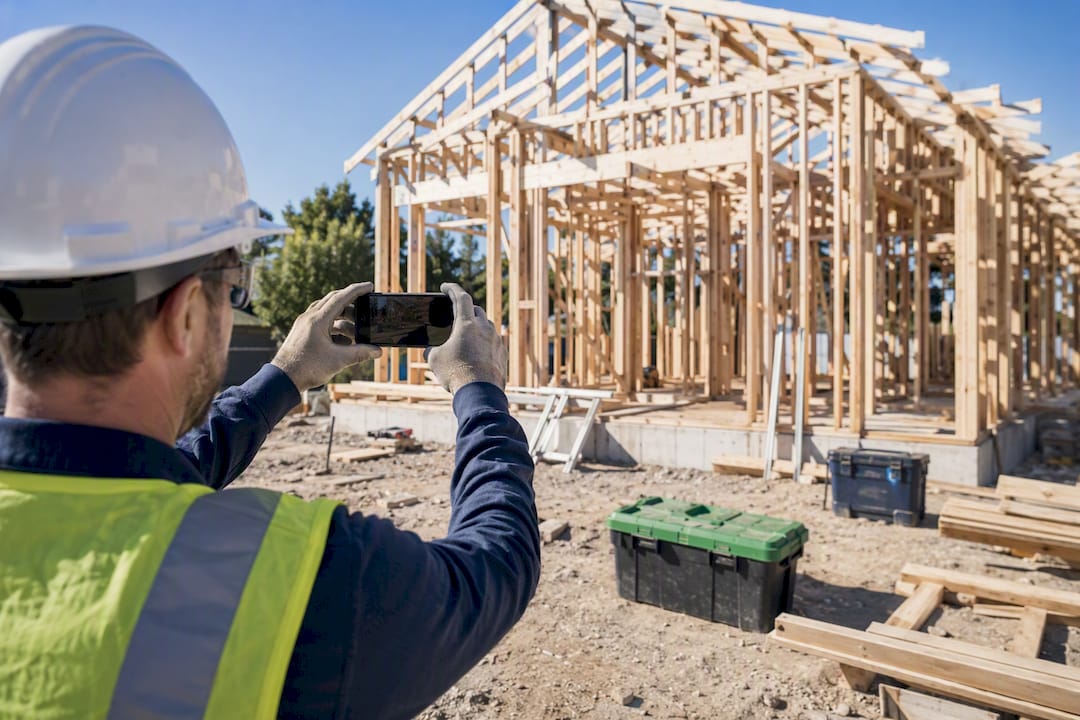
None of this requires enterprise software. A carpenter running kitchen fit-outs can track four or five active jobs on one board with tags per client, catch a stalled cabinet order before it delays a countertop install, and free up the mental bandwidth that used to go toward remembering which client was waiting on what.
Author Perspective: Why Small Experiments Win in the Trades
Start smaller than feels necessary. A five-column board with a hard WIP cap and one visible owner beats an elaborate 12-stage system every time, because compliance depends on simplicity, not sophistication.
Track cycle time alone for the first month. Add throughput in month two once the habit sticks. Lean construction thinking favors small experiments over sweeping process overhauls, which fits a contractor's reality: you can't pause the job to redesign your whole operation.
Query Trade Turns This Into a Five-Minute Setup
Query Trade is the shortcut past building a Kanban board from scratch. Instead of designing columns, card fields, and deposit tracking yourself on a whiteboard or a generic app, you get New, Contacted, Quoted, Scheduled, and Completed stages already built, plus a shareable intake link that captures job details, photos, and urgency ranking the moment a customer reaches out.
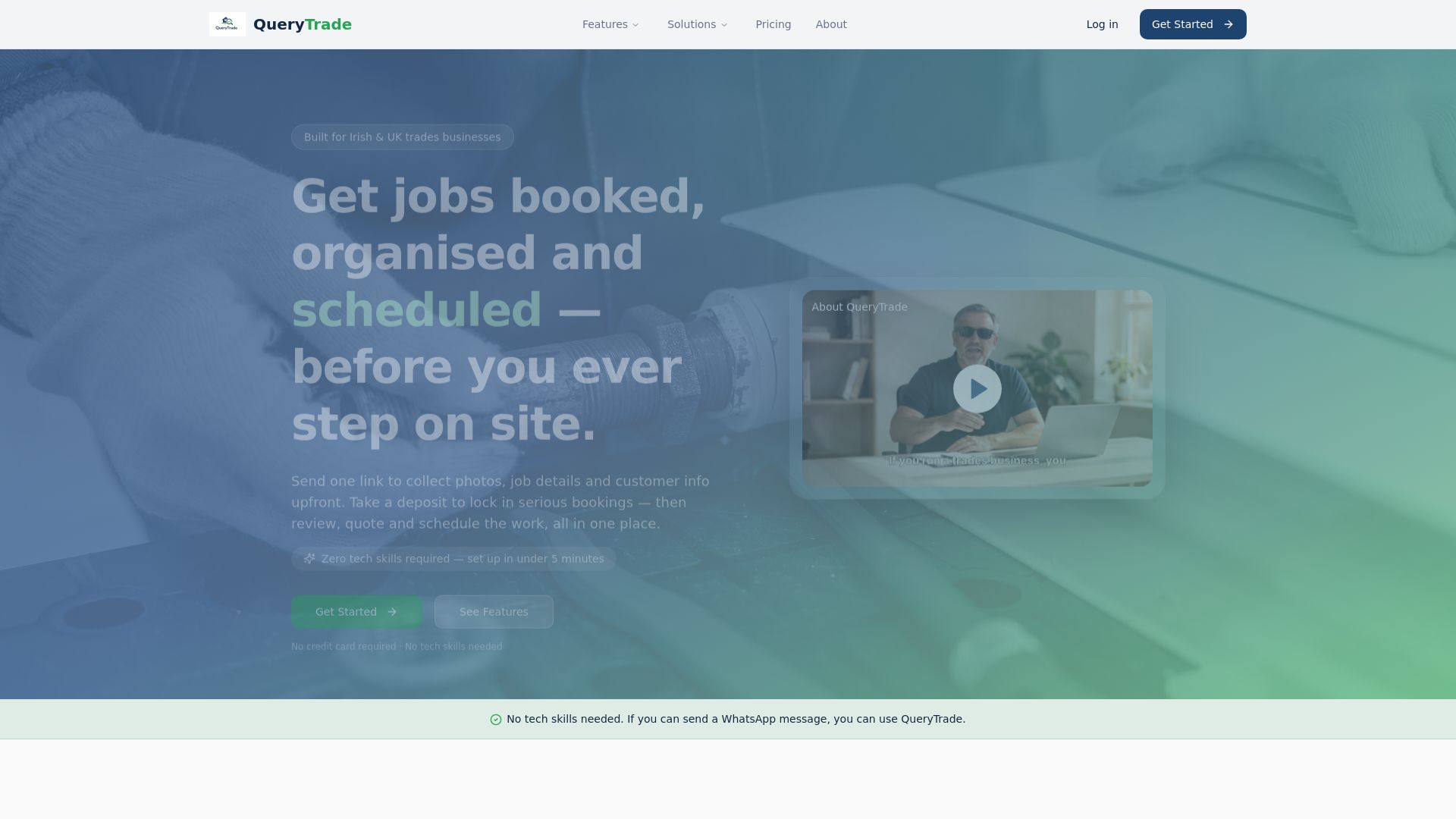
That intake link solves the problem most contractor boards never fix: getting clean data onto the board in the first place. Instead of chasing details through texts and missed calls, customers fill out a professional form, and the card lands in "New" with everything you need already attached. Add Stripe-based deposit collection before a job hits "Scheduled," and you cut down on no-shows without an awkward payment conversation.
Set up your pipeline and start your 30-day trial today. No technical setup, no training session required.
Frequently Asked Questions
What is Kanban for contractors, exactly? It's a visual system for tracking jobs or tasks through stages on a board, using cards that move from one column to the next as work progresses, borrowed from lean manufacturing and adapted for construction workflows.
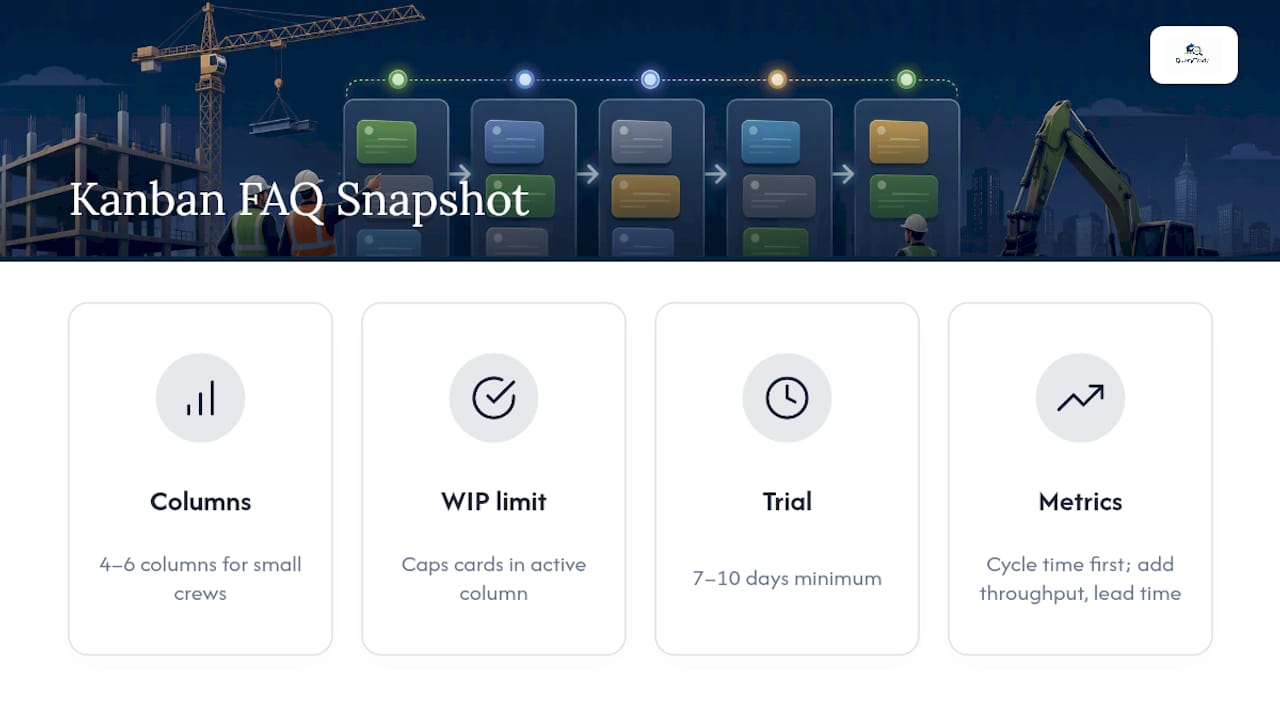
How many columns should a contractor's Kanban board have? Four to six works for most small crews. More than that tends to confuse the team and slows adoption without adding real clarity.
What's a WIP limit, and why does it matter on a job site? A work-in-progress limit caps how many cards can sit in an active column at once, forcing the team to finish tasks instead of starting new ones before old ones are done.
Can I run Kanban with a physical whiteboard instead of software? Yes, and it's often the right starting point for a single-site crew. Move to a digital or trades-focused tool once you're managing multiple sites or need photo and deposit tracking.
How long should a trial run before I decide if Kanban works for my crew? Seven to ten days minimum. Most compliance issues in the first week are training gaps, not signs the system doesn't fit your operation.
Does Kanban replace my project schedule? No. Kanban handles day-to-day task visibility; a critical path schedule still governs sequencing and dependencies on larger jobs.
What metrics should I track first? Cycle time alone in month one. Add throughput and lead time once the board habit is established and reliable.
Is QueryTrade a Kanban tool? It's a job management platform with a pipeline structure (New, Contacted, Quoted, Scheduled, Completed) that functions like a Kanban board, built specifically for trades businesses rather than general project management.
Sources
- Kanban | Lean Construction Institute
- Construction Project Management: Everything You Need to Know - Autodesk
- Atlassian: project management for construction
- Kanban template and software guidance - PMI